Install
Windows 10 or 11, SOLIDWORKS 2026 in English, and an AI app. No administrator rights needed.
1. Download
Download for Windows: the file
FullyDefined-Setup-<version>.exe.
2. Run it
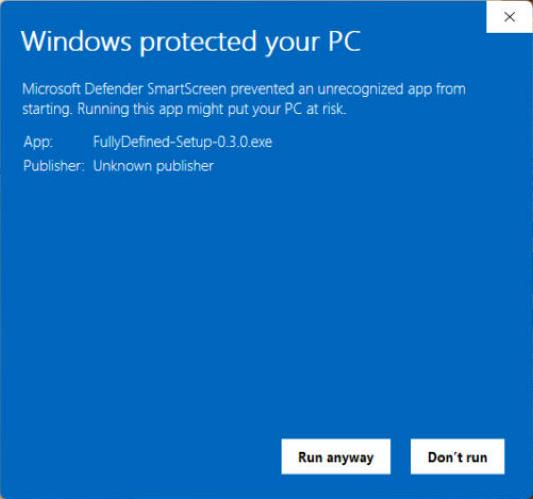
Double-click it. Windows warns because the installer is not code-signed: click More info, then Run anyway.
3. Tick your AI apps and install
The apps found on your PC are already ticked. Keep “Start SOLIDWORKS for this check” ticked: the installer builds a small test part and tells you it works.
4. Restart your AI app and ask
Create a new part and extrude a 40 mm diameter disc 10 mm thick.
More to try: Examples.
Works with
- TestedClaude Desktop and Claude Code, with the Claude Opus and Claude Sonnet models.
- Installed and usedAntigravity.
- Should workGemini CLI and other apps that run local MCP servers. Please report how it goes.
- NoteCursor gives the model only about 40 tools, fewer than building a part needs.
Update or uninstall
To update, run the new installer: your settings stay. To uninstall: Settings > Apps > Installed apps > SolidWorks MCP > Uninstall.
Other setups (the zip, Antigravity, other apps, where files go): Help.