Let your AI app build and check SOLIDWORKS parts, assemblies and drawings.
Describe a part in plain language. Your AI app builds it in SOLIDWORKS on your own computer, with real features and fully defined sketches, and measures every result.
Tested with Claude Desktop and Claude Code; also used with Antigravity. Free and open source.
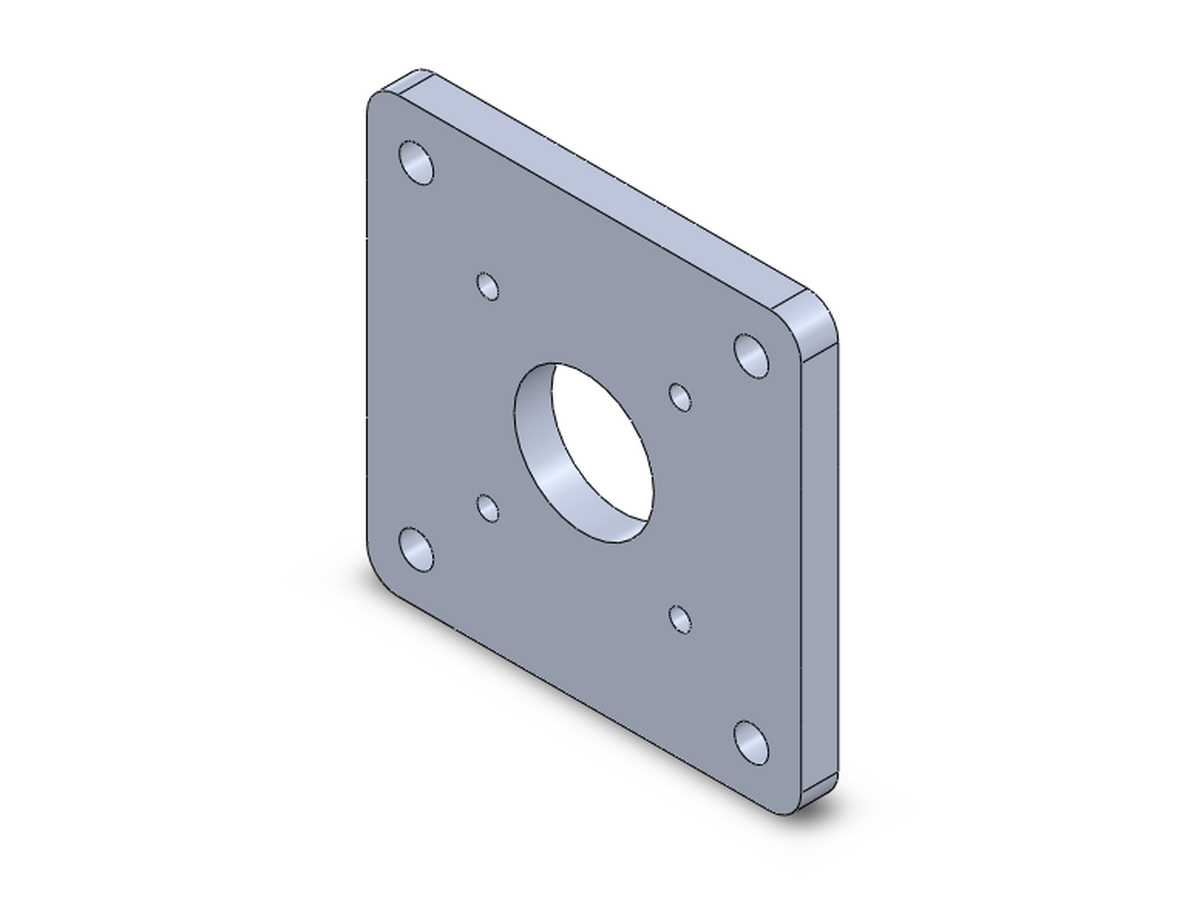
A real conversation: your side as typed, the AI's words shortened (…) but never changed, and the saved part.
From a drawing
Built from official SOLIDWORKS practice problems.
The AI read each problem's drawing and built the part on its own. Each result is measured from the finished model and compared with the official answer.
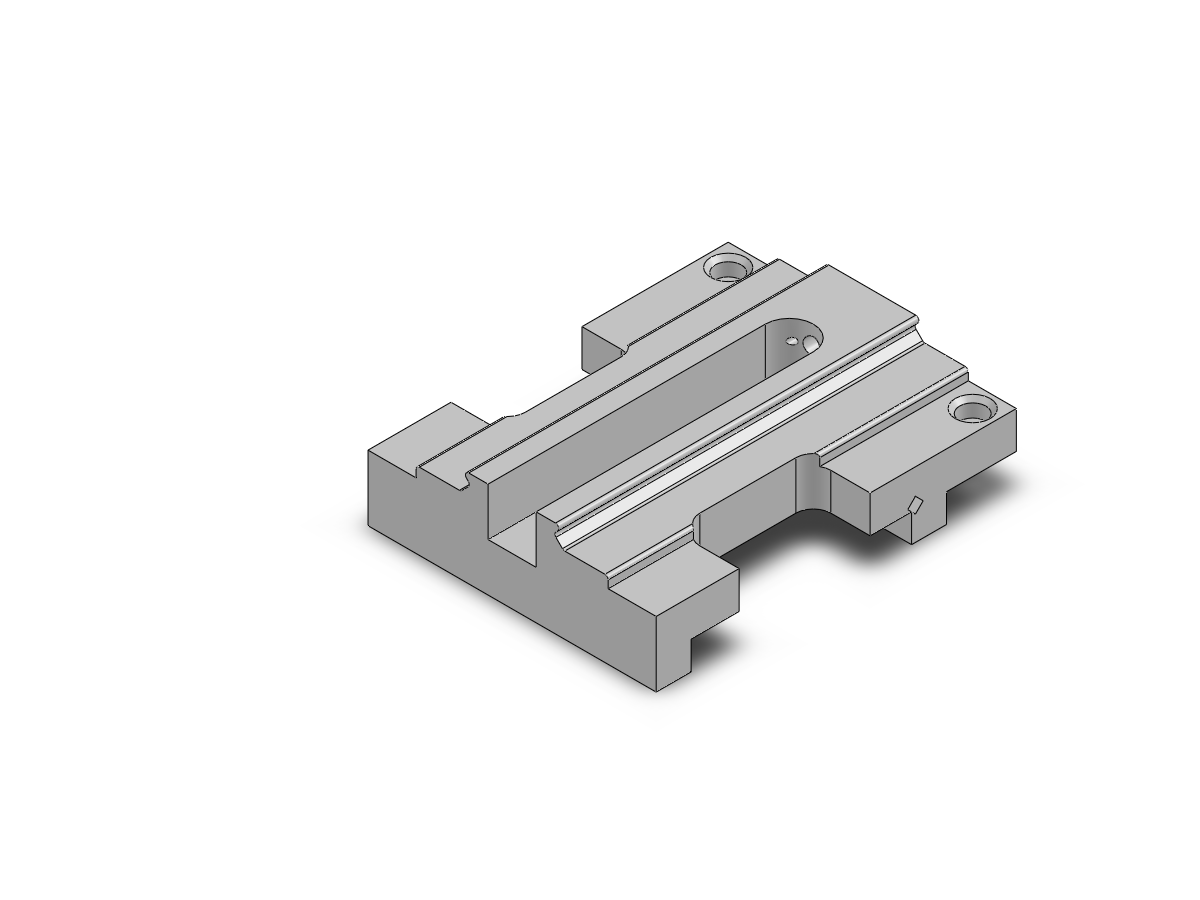
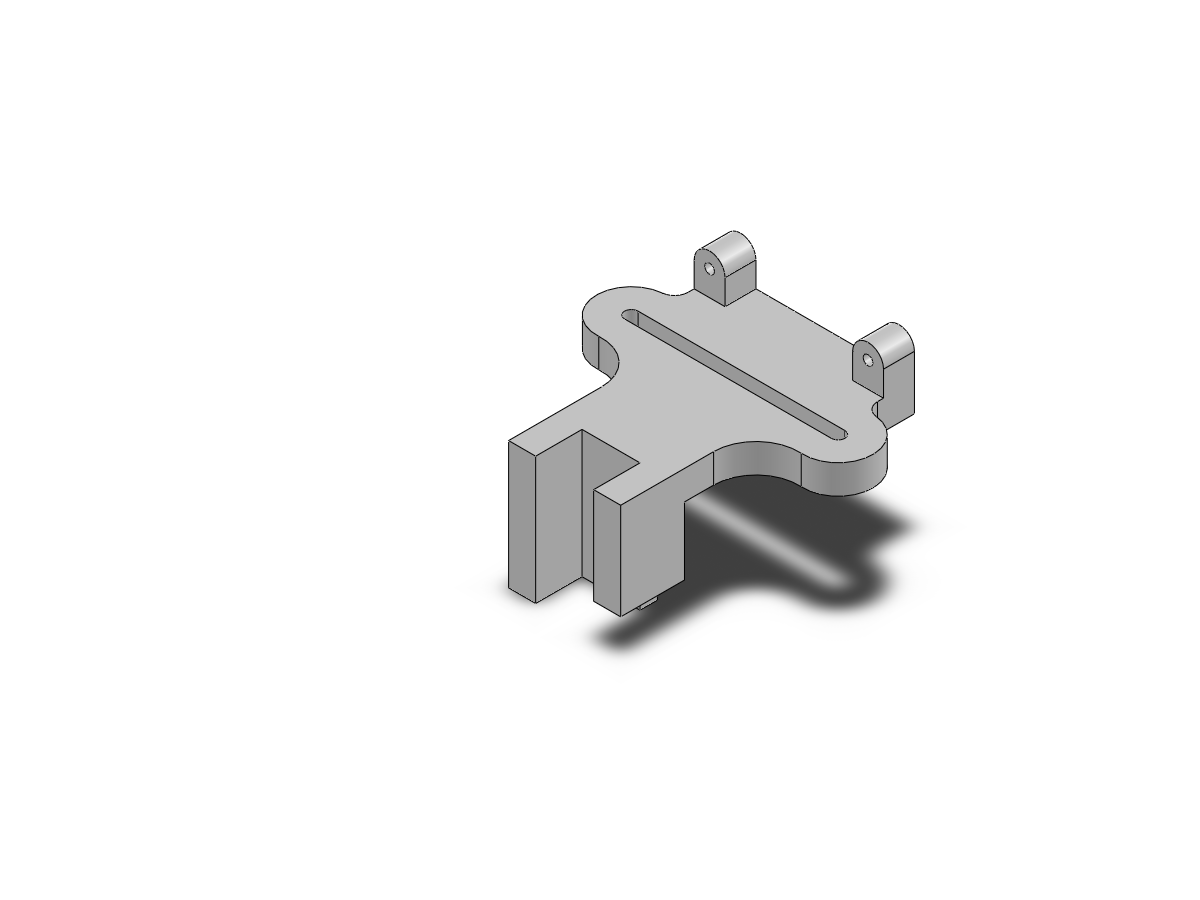
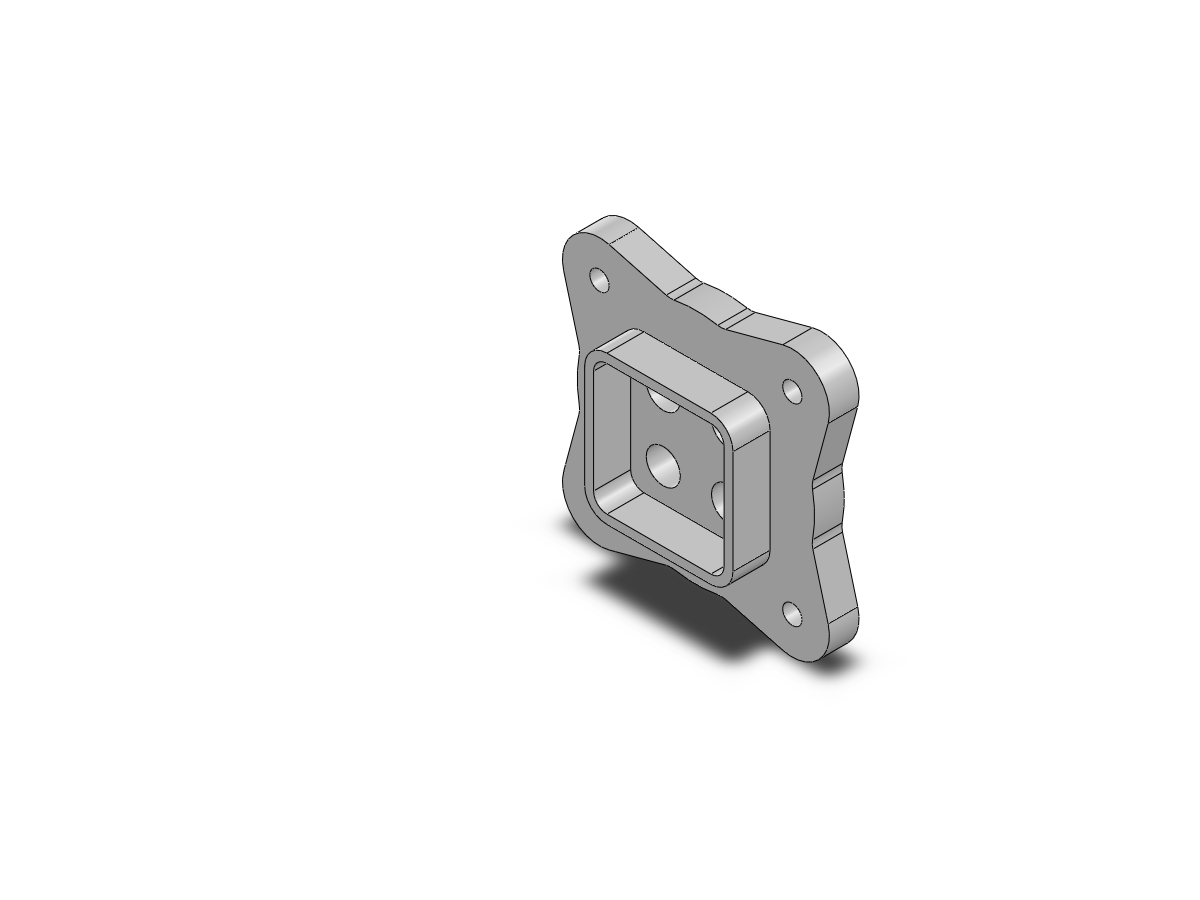
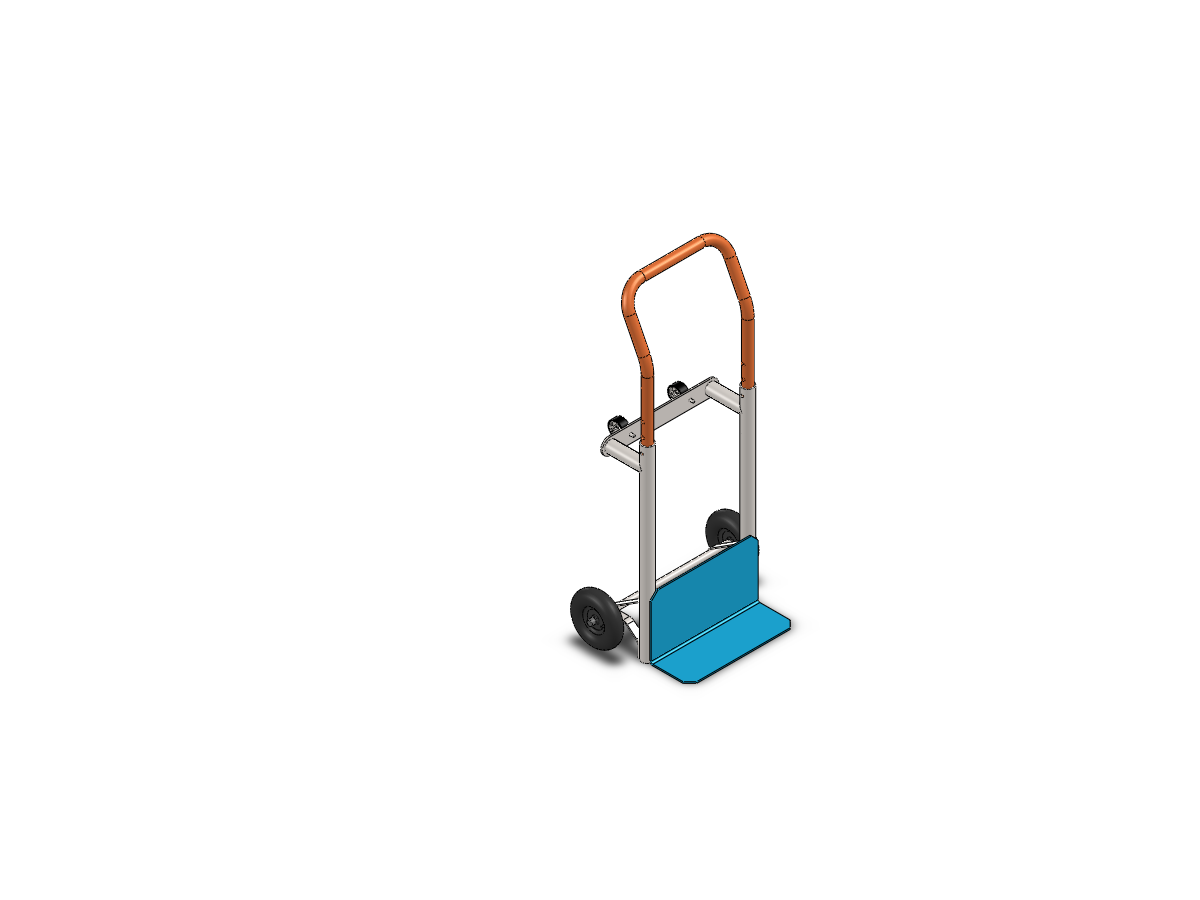
Built from official SOLIDWORKS practice problems: the problems, drawings and answers are from the SOLIDWORKS Practice Problems database; the pictures are of the models the AI built.
Getting started
Describe it, or hand over a drawing.
Describe it
Say what you need in your own words. The AI suggests a complete plan, you say yes, it builds.
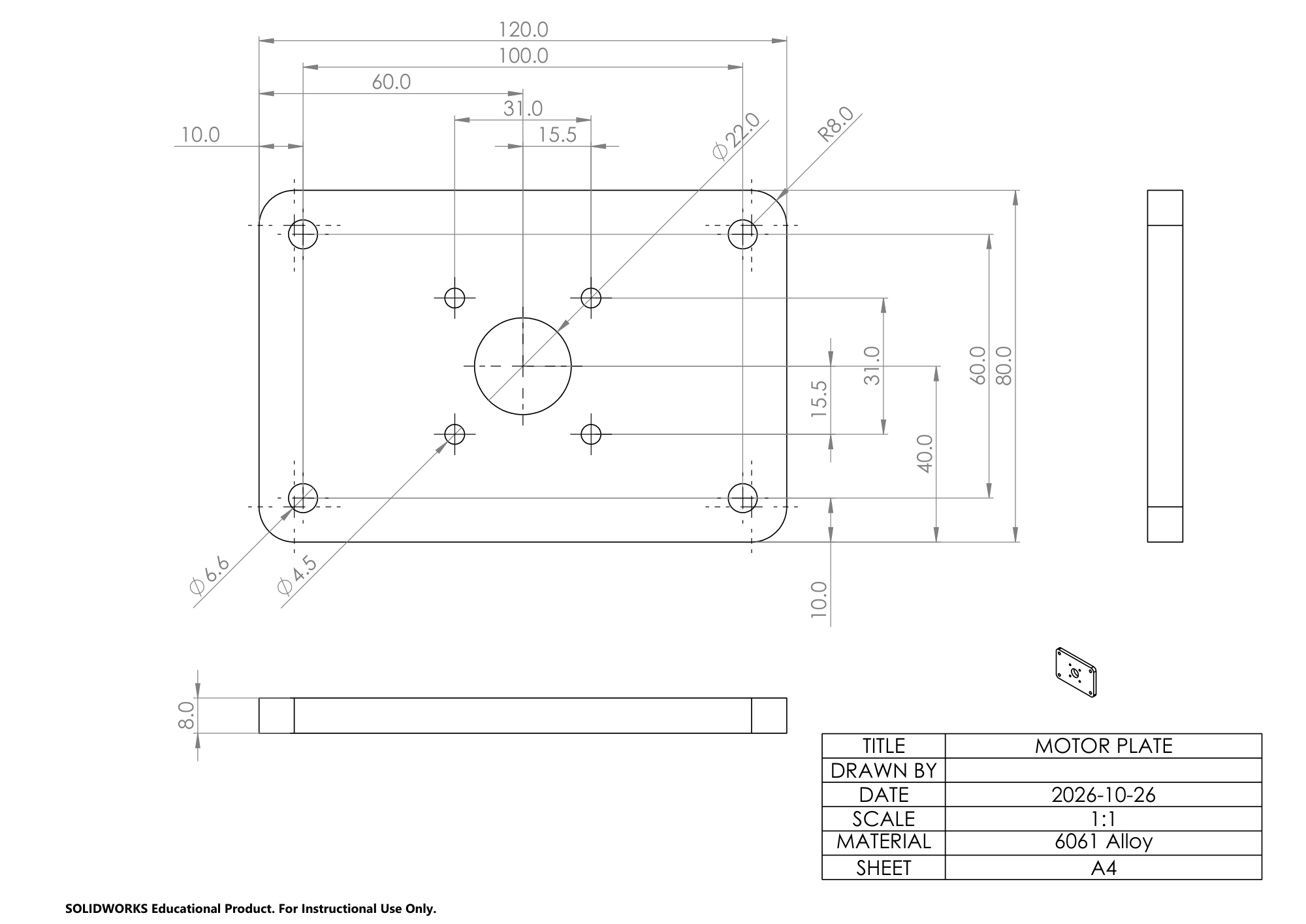
From a drawing
Give your AI app a picture or PDF of an engineering drawing. It builds the part from it.
 →
How it works
From a sentence to a saved, measured part.
FullyDefined is an MCP server: it gives your AI app the tools to drive SOLIDWORKS.
You describe it
Sizes, holes, material, in your own words. The AI is guided to ask once, at the start, for anything missing.
The AI builds it in SOLIDWORKS
Sketches, extrudes, cuts, Hole Wizard holes, fillets, patterns: real features in your own SOLIDWORKS.
Every result is measured
The tools read volume, size, positions and sketch status back from the model, to report against what you asked.
What you get
Real CAD you can keep working on.
Real, editable SOLIDWORKS features
A feature tree you would have built yourself: change a dimension later and the model follows.
Sketches fully defined from your references
Dimensioned and related from the sizes and edges you named, the way an engineer would build them.
Nothing comes back unmeasured
The tools answer with numbers measured from the model, so a wrong result shows instead of hiding.
The report
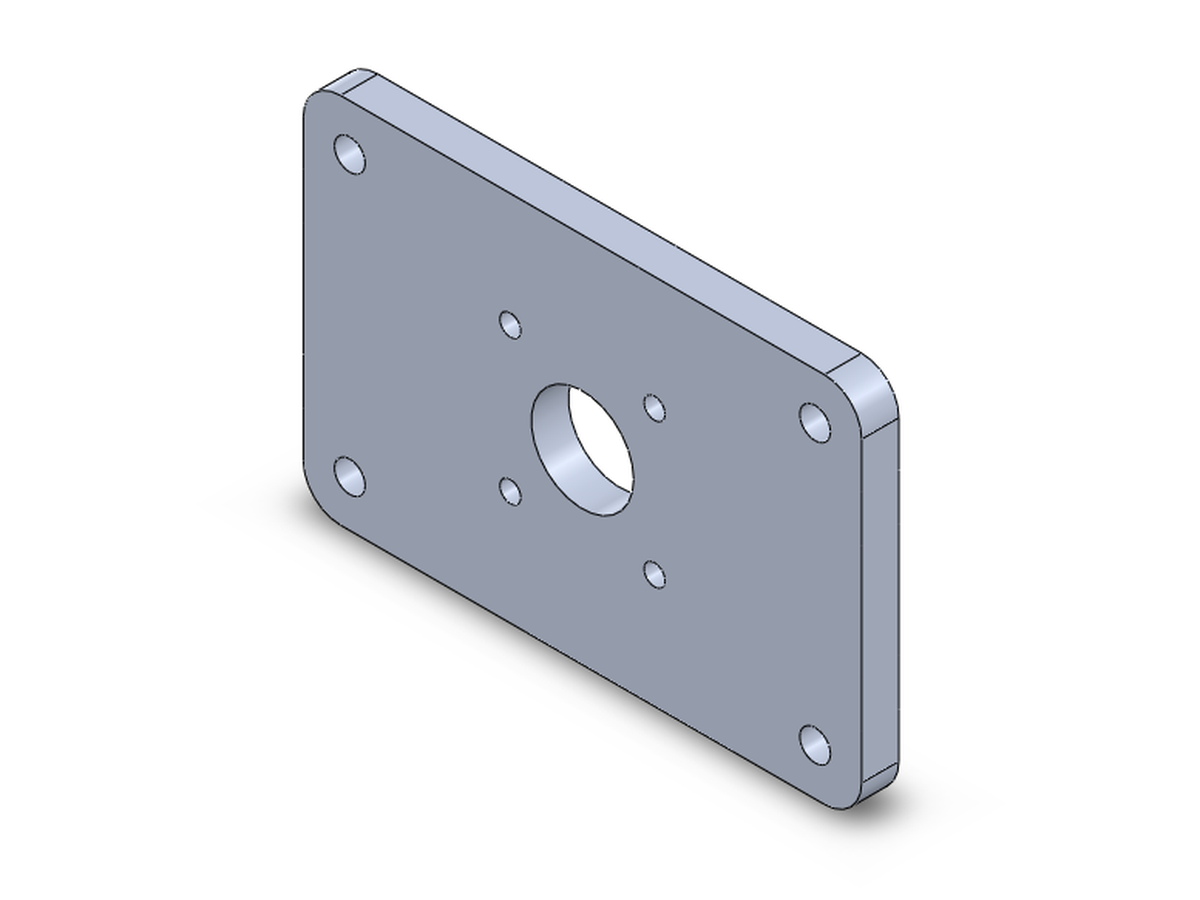
What the AI reported for the part above.
Its report on the finished part, measured from the saved model; the volume and sketch status read back from the same file.
| Plate | 70.0 × 70.0 × 6.0 mm (planned 70 × 70 × 6 mm) |
|---|---|
| Centre bore | Ø22.5 (r 11.25), centred on the origin |
| Motor holes | 4 × Ø3.4, centres at ±15.5 mm |
| Plate mounting holes | 4 × Ø5.5, centres at ±27 mm (8.0 mm from each edge) |
| Corner fillets | R5 on all 4 corners |
| Material | 6061 Alloy, 70.5 g |
| Volume | 26,097.5 mm³ |
| Sketches | ✓ every sketch fully defined |
Works with
Your AI app, your SOLIDWORKS.
- TestedClaude Desktop and Claude Code, with the Claude Opus and Claude Sonnet models.
- Installed and usedAntigravity.
- Should workGemini CLI and other apps that run local MCP servers. Please report how it goes.
- NoteCursor gives the model only about 40 tools, fewer than building a part needs.
Your data
Runs on your own PC.
FullyDefined runs on your computer, next to SOLIDWORKS. It sends nothing anywhere itself and has no telemetry: it only answers your AI app.
What your AI provider sees is what your AI app sends it: your messages and the tools' answers,
such as feature names, sizes, file paths and measurements (and a picture of the model, when one is asked
for). Settings and a log stay on your PC, in %APPDATA%\solidworks-mcp.
Questions
FAQ
Windows warns about the installer. Is that expected?
Yes. The installer is not code-signed, so Windows SmartScreen shows "Windows protected your PC". Click More info, then Run anyway. Install shows it.
Which SOLIDWORKS versions does it work with?
It is tested on SOLIDWORKS 2026, set to English. Other versions are not tested.
Is it free?
Yes: free and open source under the MIT licence. You need your own SOLIDWORKS licence and an AI app.
What data goes to the AI?
Your messages and the tools' answers, through your AI app and under its terms. FullyDefined itself sends nothing anywhere.